
NRS E-Invoicing
Process Flow
This guide provides a clear overview of the end-to-end lifecycle of NRS-compliant e-invoicing using the eTranzact platform.

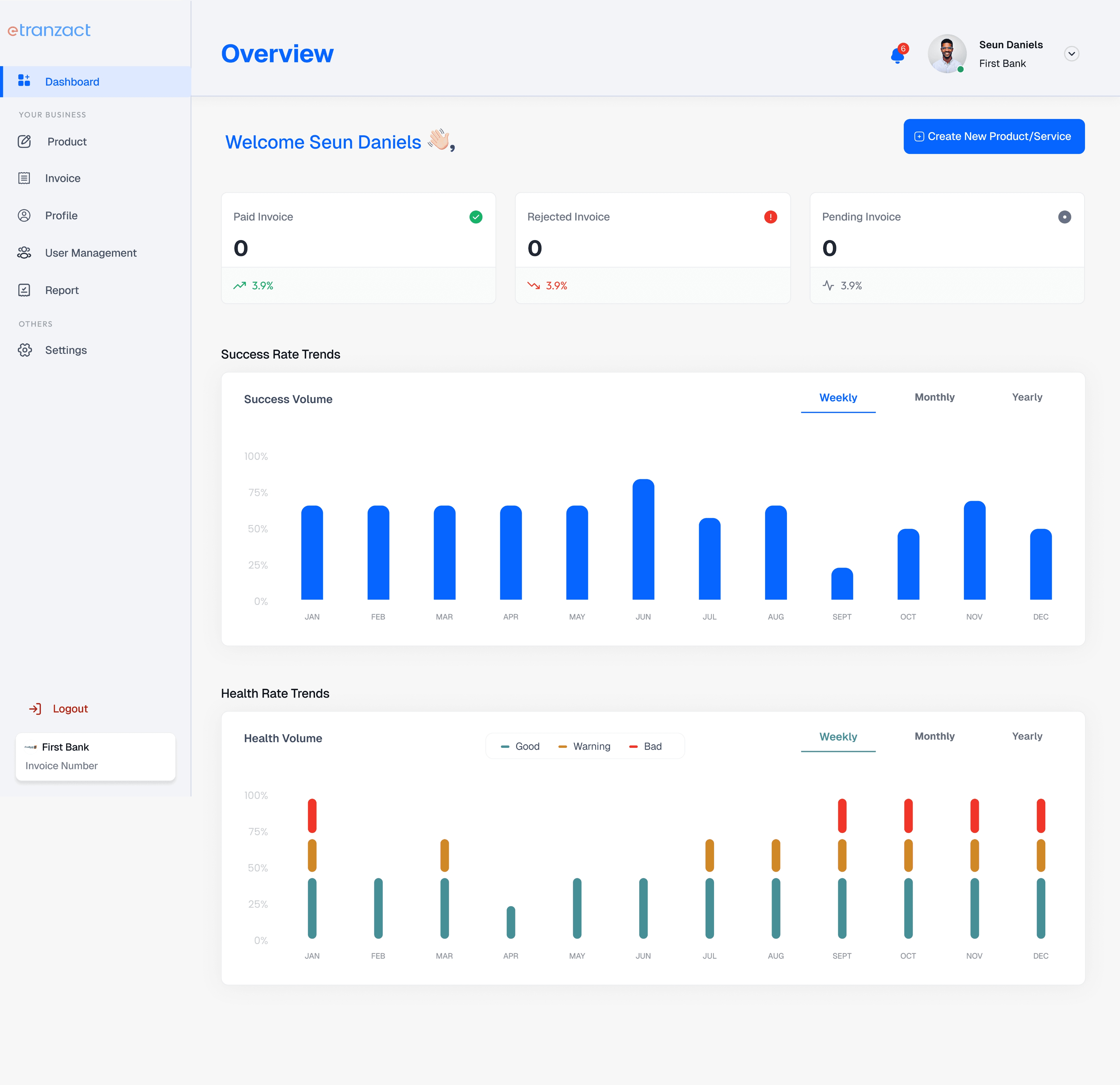
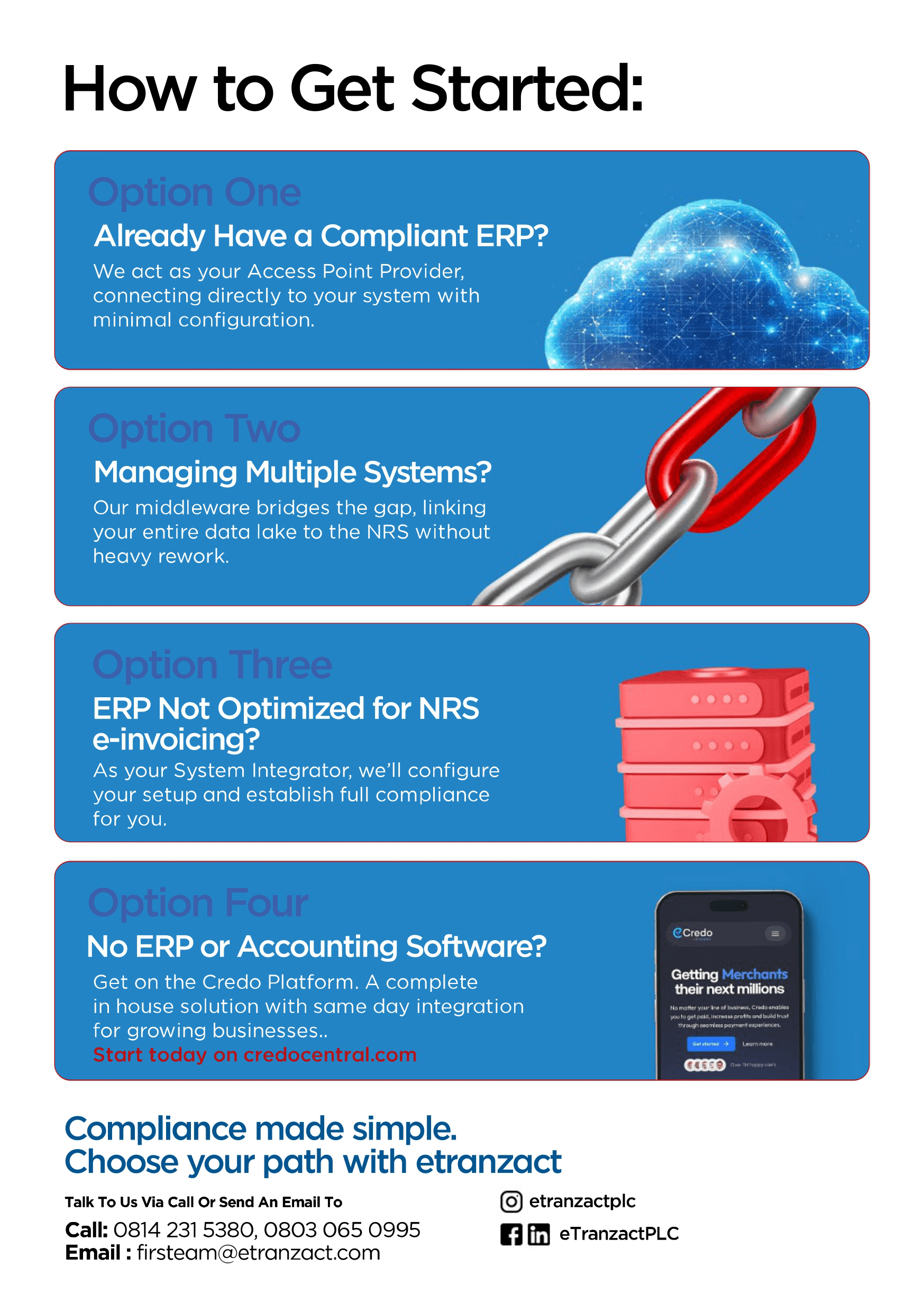
We support businesses in two capacities
As an Access Point Provider (APP)
Fully managed, API-based solution.
As a System Integrator (SI)
Flexible control for developers.
As an Access Point Provider (APP)
Fully managed, API-based solution.
As a System Integrator (SI)
Flexible control for developers.




Key Stakeholders in the Flow
Supplier ERP
The supplier's system that creates and sends the invoice.
eTranzact APP
The middle system that processes invoices between taxpayer's system and NRS.
NRS
Tax authority system that verifies and archive invoice details.
Buyer App
The buyer's system that receives, verifies, and stores transmitted invoices.

Full Process Flow Overview
Invoice Creation
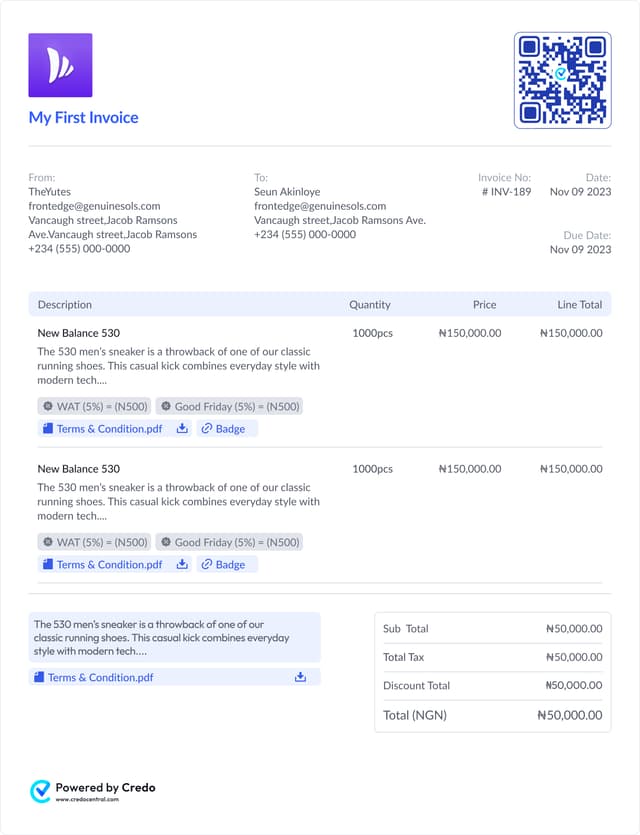
- ▪ Taxpayer's ERP/accounting system generates the invoice which must contain the following:
- - Invoice Number.
- - Date-stamp.
IRN Generation and Validation
- ▪ ERP sends the invoice data to our API for Invoice Reference Number (IRN) creation, which is a combination of;
- - Invoice Number.
- - Time Stamp.
- - Service ID.
- - Business ID.
- ▪ We check if IRN already exists.
- If yes: we return immediately with appropriate error response.
- If no: generate and validate IRN with NRS.
- ▪ Response: Success or detailed error for retry.
QR Code Generation +
Cryptographic Signing (Optional)
- ▪ ERP sends QR request to our API.
- ▪ We validate the payload.
- If valid:
- - Generate digital signature + Base64 QR code.
- - Return for ERP to embed in the invoice document.
Invoice Submission to NRS for Validation
- ▪ ERP sends a validate + sign request.
- ▪ We check if already signed in cache.
- If signed: return success.
- If not signed: we validate necessary parameters to ensure conformity with NRS standards and then sign, forward to NRS and log to cache.
Invoice Updates (Payment Status Re-submissions)
- ▪ ERP sends an updated invoice payload with same IRN.
- ▪ We validate and resend to NRS.
- If yes: return immediately.
- If no: we return appropriate error response
- ▪ Buyer is notified of update.
Invoice Transmission
- ▪ Once IRN is validated, Transmit to NRS.
- ▪ NRS routes the transmission request to the buyer's APP.
- ▪ Buyer receives and acknowledges receipt.
- ▪ Supplier receives buyer's acknowledgement.
How it works?
Simple, Seamless
and Easy
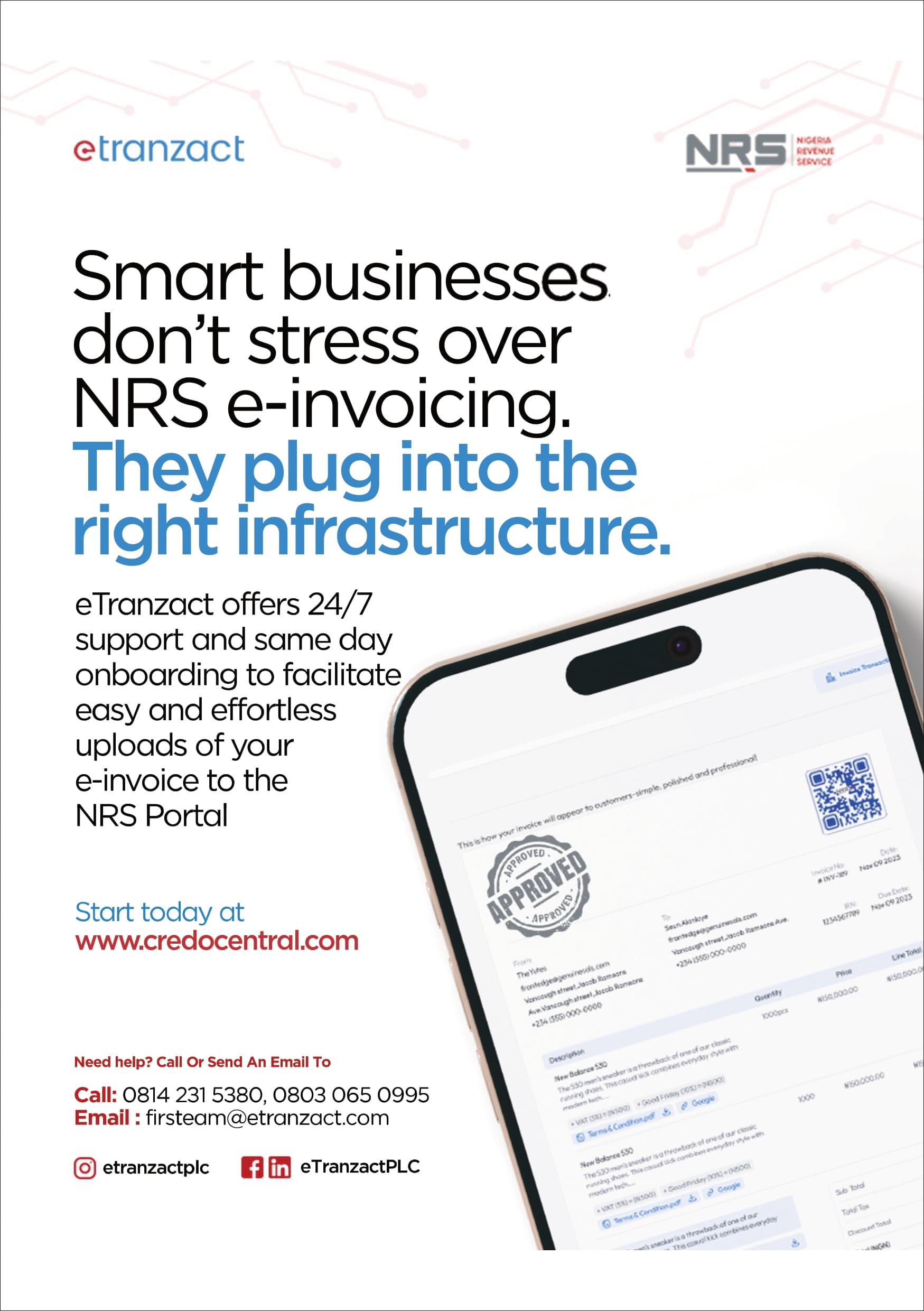
Credo Invoicing
Service
Credo Invoicing Service is a fully integrated, NRS-compliant e-invoicing service that lets businesses create, manage, sign, and transmit electronic invoices directly to the Nigeria Revenue Service without any line of code.
Integration Best Practices

- Ensure that all invoices include:
- ✓Unique IRN.
- ✓Required references: BillingRef, OrderRef, BuyerRef etc.
- ✓Accurate Buyer/Seller TINs.
- ✓Invoice total + tax breakdown.
- ✓Valid timestamps.
- ✓Proper product map code.
- ✓Proper Service and tax category code.
See what eTranzact
can do for you.
Learn how our platforms can increase the
strategic impact of your team and future-proof your company.
Convenience, Functionality and Speed
Convenience, Functionality and Speed
Resources
Company
4th & 5th Floor Fortune Towers,
27/29 Adeyemo Alakija Street,
Victoria Island,
Lagos, Nigeria.